


⚡ LIVE UPDATE (Feb 10, 2026):
We are receiving multiple reports that Chase, Bank of America, and Wells Fargo are currently flagging FIFA charges as “Potential Fraud”.
👉 Do not ignore SMS alerts! Reply “YES” to your bank instantly to authorize the charge.
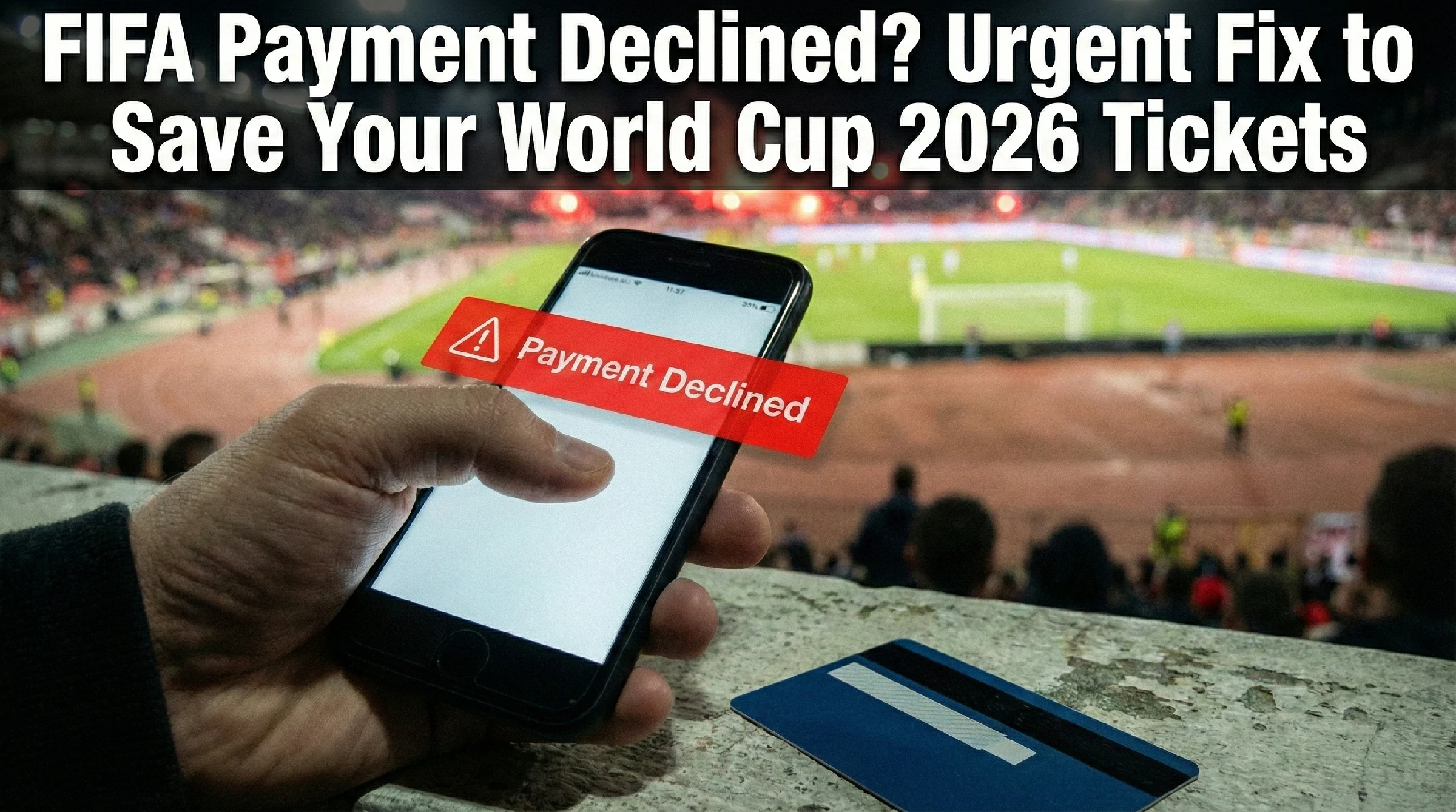
URGENT ALERT: CHECK YOUR BANK NOW
FIFA payment declined? How to Save Your World Cup 2026 Tickets Now
You finally got the email. After months of waiting, you see the word “Successful”. You did it. You’re going to the FIFA World Cup 2026. But then, you check your bank account. Or worse, you log back into the official FIFA portal and see a splash of red text: FIFA Payment Declined.
Your excitement evaporates instantly. You have the allocation, but you don’t have the tickets. And if you don’t fix this immediately, those seats will be released back into the wild.
This is not the time to panic, but it is the time to act with extreme speed. A FIFA payment declined status is a common, terrifying hurdle, but it is fixable. The banking systems are doing exactly what they are programmed to do: block suspicious, high-value foreign transactions. To a bank algorithm, buying World Cup tickets looks exactly like credit card theft.
Here is your emergency guide to unblocking that payment, satisfying your bank’s fraud department, and securing your spot at the biggest sporting event on earth.
The Silent Killer: Winning the Lottery Is Only Half the Battle
Most fans assume the hard part is winning the random selection draw. They are wrong. The ticketing lottery is just the first hurdle. The second, and often more dangerous hurdle, is the financial transaction itself.
When FIFA runs the lottery, they attempt to charge the card you have on file. If that charge fails, you don’t always get a phone call. Sometimes, the only notification is a silent failure while your allocation sits in limbo.
Why Is My Payment Failing? Bank Blocked FIFA Charge Explained
You have the funds. You verified the expiration date. Why is a bank blocked FIFA charge happening now? The answer lies in geography.
FIFA is headquartered in Zurich, Switzerland. When they process payments, the merchant request originates from Switzerland. To your bank—especially in the US, Canada, or Mexico—this looks highly suspicious.
The Bank’s Perspective:
- ❌ You usually spend $50 at the grocery store.
- ❌ Suddenly, at 3:00 AM, a merchant in Zurich charges $2,000.
- 🚨 RESULT: Fraud algorithms auto-decline to protect you.
This isn’t a glitch; it is a security feature working too well. This is compounded if you use a debit card with daily limits or a credit card that rarely sees international travel.
The “Pending” Trap: Don’t Be Fooled
Before you start making frantic phone calls, you need to accurately diagnose the status. There is a massive difference between “Pending” and “Hard Declined”.
Check your SMS messages and email immediately. Banks often send a FIFA ticketing fraud alert asking, “Did you make this purchase?” If you missed this text, the transaction is stuck in purgatory.
🏦 Bank-Specific Fixes (Most Common Blocks)
We are tracking which banks are blocking FIFA charges the most today. Find yours below:
Chase Bank:
Chase is aggressive with “International Fraud” blocks. Check the Chase Mobile App > “Alerts” section immediately. Do not wait for a call.
Bank of America:
Usually sends a text asking “Did you spend $X at FIFA ZURICH?”. Reply YES. Then, you MUST call them to re-run the charge.
Revolut / Wise:
Check your “Card Limits”. Ensure “Online Transactions” and “International Spend” are toggled ON.
🛑 Top 3 Fraud Errors Reported Today
Our community is currently flooding us with messages about specific banks. Here is why your payment likely failed:
- 1. The “Silent” Block:
Even if you have funds, your bank app might not show a notification. However, internally, the system sees the FIFA charge showing as fraud because the request originates from Zurich, Switzerland, which triggers an automatic security freeze. - 2. Bank of America Users:
We have verified multiple cases of Bank of America blocking FIFA transactions this morning. BoA rarely sends a text; you often need to call their fraud department manually to authorize the “International Transaction”. - 3. Chase Bank Users:
Many fans are panicking because Chase declined World Cup tickets instantly. Look at your phone! Chase usually sends a “Fraud Alert” SMS within seconds. You MUST reply “YES” to whitelist the merchant before FIFA tries to charge you again.
Immediate Action Plan (Do This NOW)
If your payment has failed or is stuck, stop reading and follow these steps. Fraud departments operate 24/7.
1
Check for Fraud Alerts
Scour your text messages and emails. If you find a “Did you authorize this?” message, reply “YES” immediately. This often unblocks the card instantly.
2
Call Your Bank
Call the number on the back of your card. Do not use a general number. Get to a human representative fast.
3
Use The Script
Don’t just ask if a charge came through. Say this exact phrase:
“I am attempting to make a time-sensitive purchase. The merchant is FIFA Ticketing (Switzerland). Amount is roughly [Insert Amount]. You need to whitelist this merchant and authorize international transactions on my account immediately.”
The 48-Hour Rule
Why is speed critical? FIFA typically operates on a tight window. The standard procedure for failed lottery payments is often a 48-hour grace period. If the second attempt fails, your allocation is forfeited. There is no “appeal process”. Treat this with the same urgency as a lost passport.
Worst Case Scenario: The Tickets Are Gone
If you are reading this too late and the status is “Cancelled”, take a breath. The dream is not over.
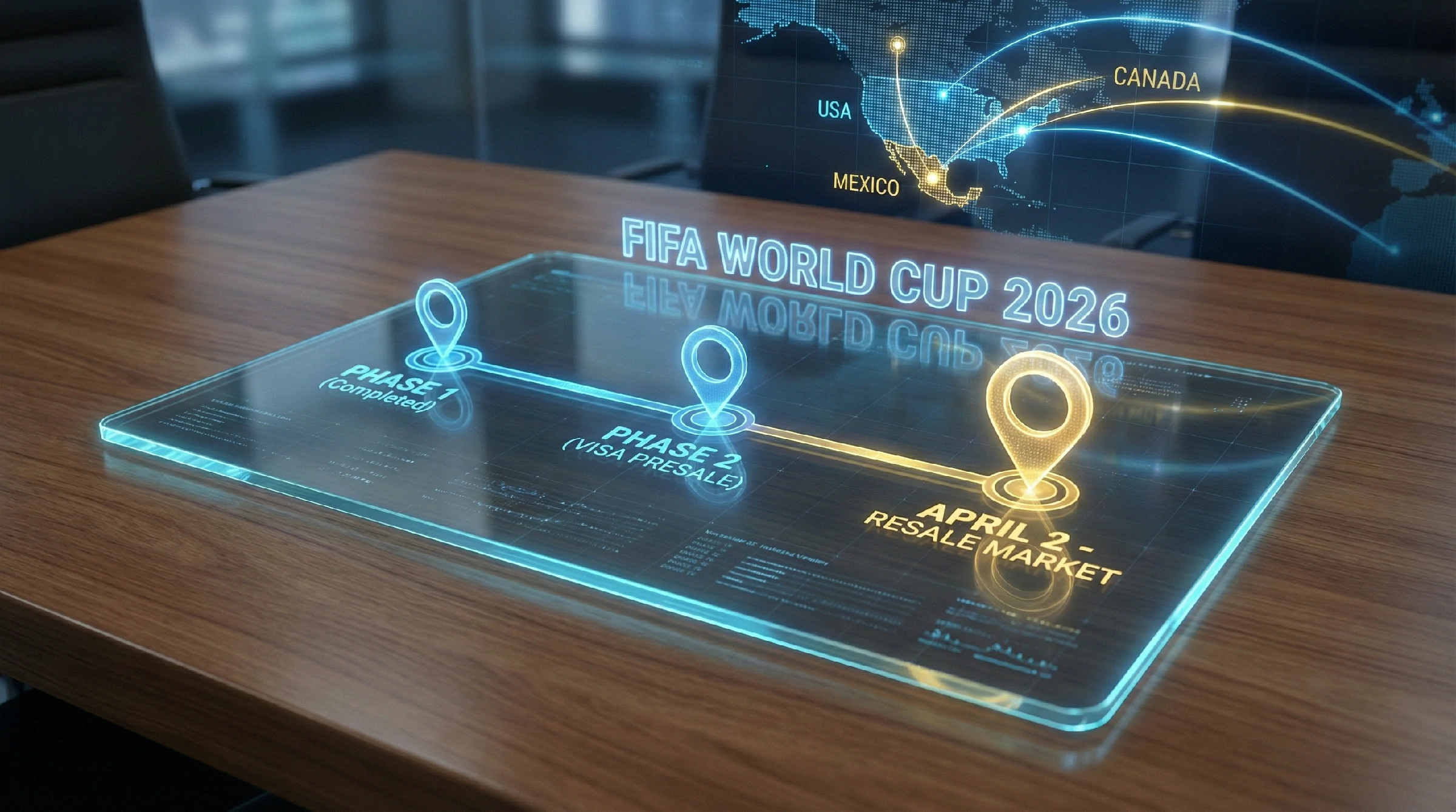
If you lost your tickets in this round, you must prepare for the Bank of America Feb 10 Presale. This is your backup plan.
Solved: FIFA Payment Declined & Ticket Issues
Why did I get a “FIFA Payment Declined” status?
A FIFA payment declined status typically occurs because your bank flagged the transaction as potential fraud. Since FIFA charges from Switzerland, many banks auto-block the request. This triggers the FIFA payment declined notification on your portal even if you have enough funds.
My World Cup 2026 transaction is “Pending”, what does it mean?
If you see a World Cup 2026 transaction pending on your bank statement, it is usually good news. However, monitor it closely. Sometimes, a bank blocked FIFA charge appears as “Pending” before turning into a “Decline.” Call your bank to confirm they will release the funds.
How do I fix a “FIFA Ticket Payment Unsuccessful” error?
To fix the FIFA ticket payment unsuccessful error, you must call your bank immediately. Ask them to whitelist “FIFA Ticketing” and specifically request to authorize international transaction blocks on your card. Once cleared, retry the payment if the portal allows.
Will I lose my tickets if the FIFA payment is declined?
Yes, you are at risk. If your FIFA payment declined status is not resolved within the grace period (usually 48 hours), the system will cancel your allocation. Speedy action to resolve the bank blocked FIFA charge is essential to save your seats.
Can I use a different card for World Cup 2026 tickets?
If your initial FIFA payment declined, check the portal for an “Edit Payment” button. While Visa is preferred, ensuring you authorize international transaction capabilities on any new card is crucial to avoid a second failure.
🗣️ Help The Community!
Did your payment go through? Which bank blocked you? Comment below to help other fans save their tickets!






-
-
-
-
-
-
-
Show CommentsCan I ask, the visa card used had to be cancelled due to fraud and now have another card with a different number. How do I fix this please?
Thank you for reaching out. Please contact our support team so we can better understand the issue and assist you with the appropriate solutions.
This happened to me too. A fraud charge occurred the morning of 2/7 and the card was cancelled. My tickets were allocated the afternoon of 2/7. How do you contact the support team?
Thank you for reaching out. Please contact us via the live chat on our website (button at the bottom right corner). Our team will review your case and suggest possible solutions to help resolve the issue.
It’s genuinely very difficult in this busy life to listen news on Television, so I just use world wide web for that reason, and take the most up-to-date news.
Thank you for your comment. We strive to provide timely and reliable news through our website to keep our audience well-informed.
Now I am ready to do my breakfast, once having my breakfast coming over again to read more news